
Screenshots

App details
- Updated
- Jun 24, 2025
- Language
- English
- Developer
- Leawo Software Co., Ltd.
- Category
- Mobile
SoftPas in:
This product is also available in the following languages:
About Leawo Free Screen Recorder
Download Leawo Free Screen Recorder – screen recorder, free screen recorder, video recording, webcam recording, audio recording, 4K recording, MP4, MP3, scheduling, hotkeys
Overview
Leawo Free Screen Recorder is a multifunctional desktop utility designed for users who need to capture screen activity, webcam feeds, and audio simultaneously. As a 4-in-1 solution, it enables the recording of full-screen or custom-sized content with support for high-resolution output up to 4K. The application is positioned as a productivity tool tailored for educators, content creators, and professionals involved in webinars, tutorials, and podcast production. Its core purpose lies in simplifying the recording process by integrating screen capture, webcam recording, audio capture, and screenshot functionality within a single interface. This consolidation reduces the need for multiple tools and streamlines workflow efficiency.
Target users include online instructors, gamers, software developers, and digital marketers who require reliable, high-quality recordings without the cost of premium software. The app’s free pricing model makes it accessible to a broad audience, particularly those seeking a no-cost alternative to commercial screen recording tools. Although the developer did not provide detailed background information, Leawo Software is known in the productivity software space for offering accessible utilities with minimal overhead. Real-world applications include recording step-by-step software demonstrations, creating educational content, or capturing live streams for later review. In the current digital ecosystem, where remote collaboration and content creation are increasingly vital, Leawo Free Screen Recorder fills a niche by offering a lightweight yet capable solution for everyday recording needs.
Key Features & Functionality
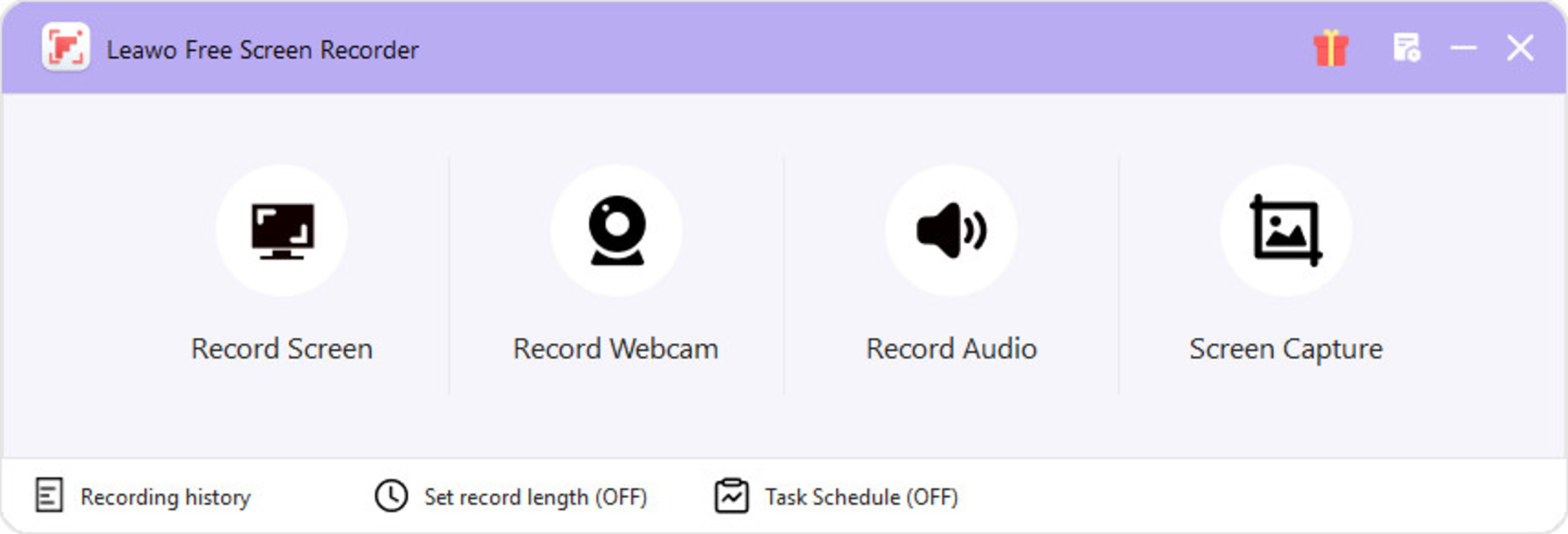
- 4-in-1 Recording Suite: Combines screen recording, webcam recording, audio capture, and screenshot snapping into one interface, enabling users to produce comprehensive multimedia content without switching applications.
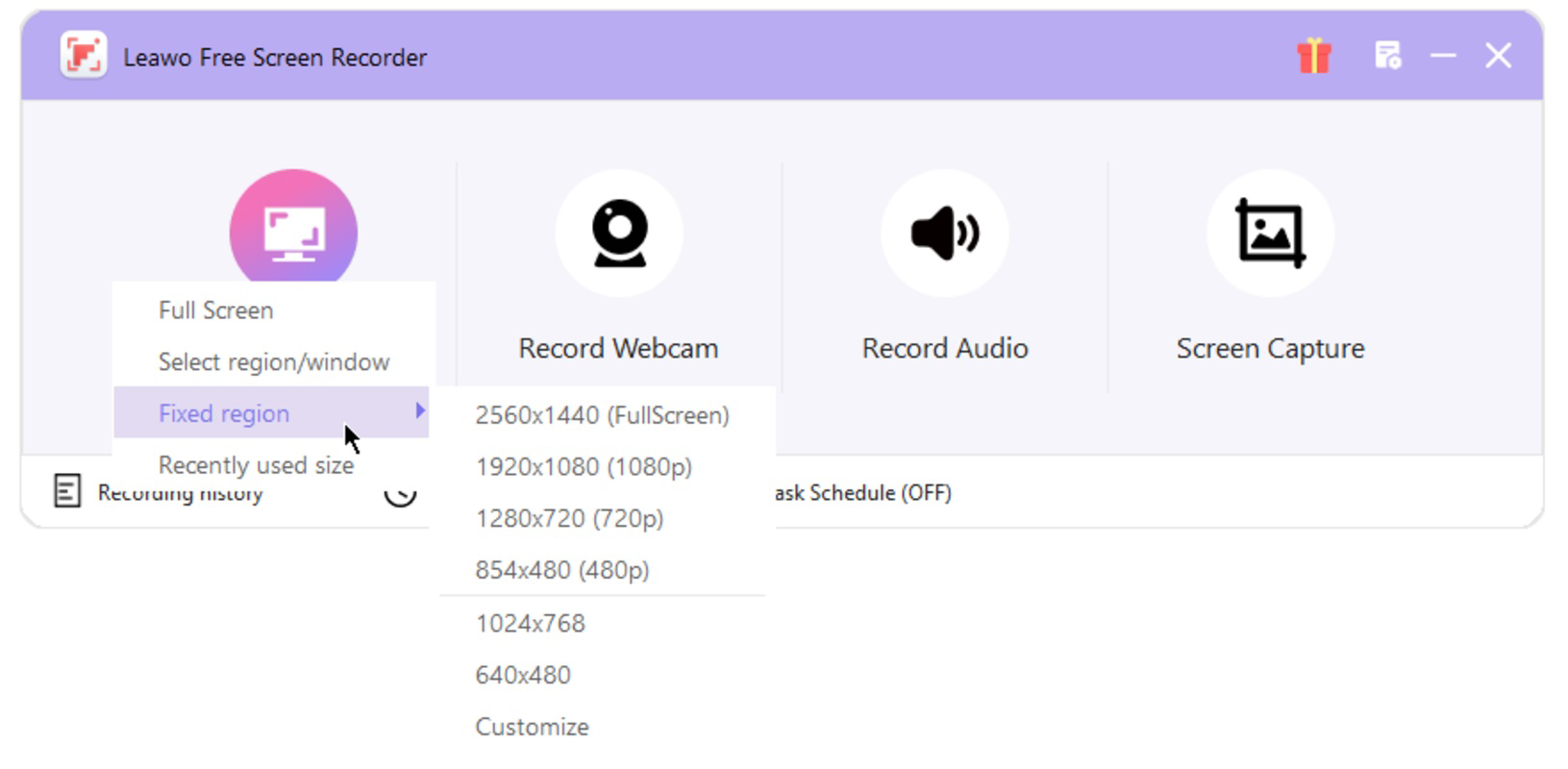
- High-Resolution Output: Supports recording in full-screen or custom window modes with resolutions up to 4K, ideal for capturing detailed gameplay, online lectures, or software walkthroughs with clarity.
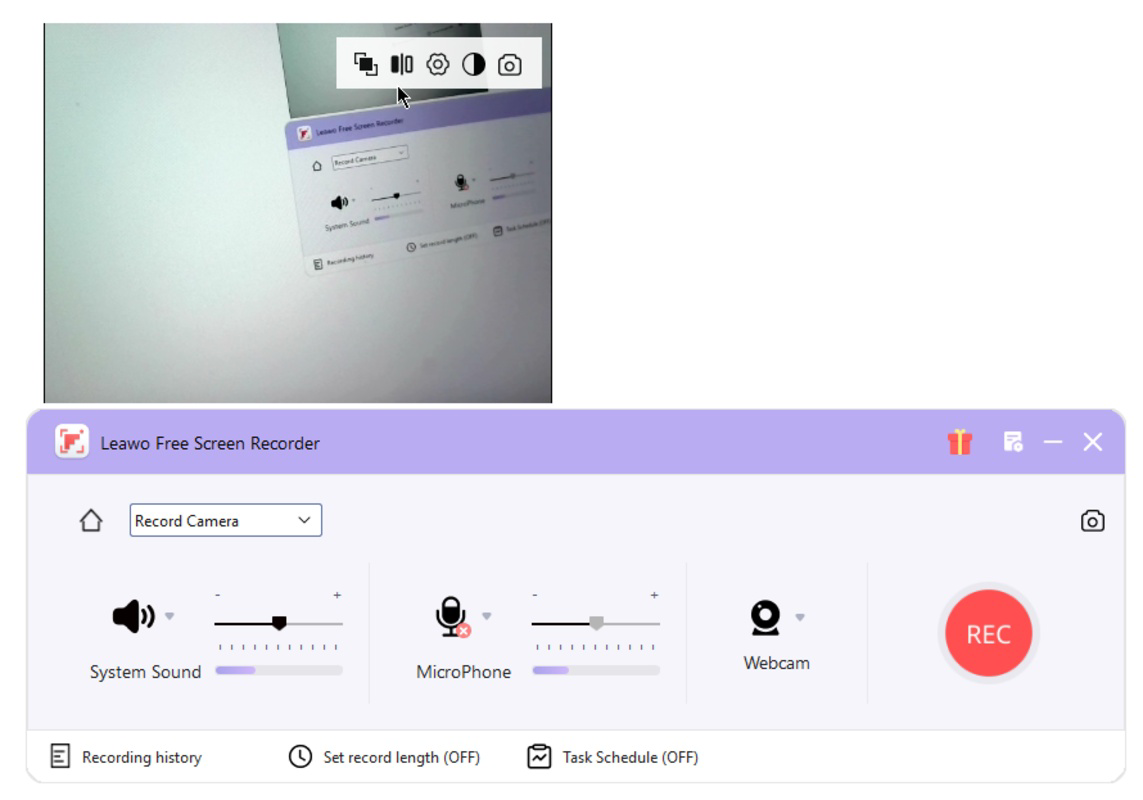
- Integrated Webcam Recording: Allows users to overlay a webcam feed during screen recordings, useful for creating personal tutorials, reaction videos, or professional webinars with a face-to-face presence.
- Flexible Audio Capture: Offers the ability to record system audio, microphone input, or both simultaneously, with output saved in MP3 or MP4 formats for easy sharing and archiving.
- Scheduling and Hotkeys: Includes an internal scheduler to automate recording sessions based on time and duration, while customizable hotkeys allow instant start/stop functionality for hands-free operation.
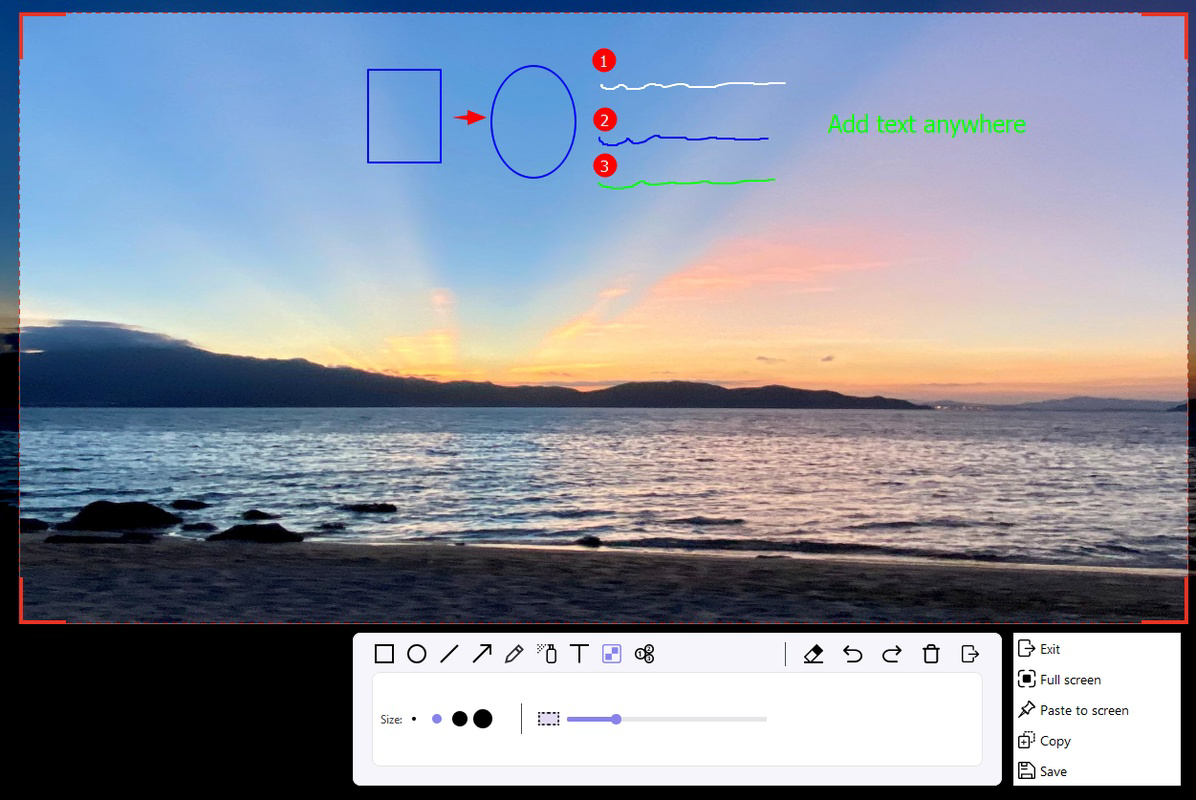
For example, an educator can use the scheduling feature to record a weekly lecture at a set time, while a content creator might use hotkeys to begin recording a gaming session without navigating menus. The ability to capture both system audio and microphone input simultaneously ensures that commentary and background sound are preserved in sync. The inclusion of screenshot snapping adds value for users who need to document specific moments during a recording. These features collectively enhance usability and adaptability across diverse use cases, making the tool suitable for both casual and professional workflows.
Interface, UX & Performance
The user interface of Leawo Free Screen Recorder is designed with simplicity in mind, featuring a clean layout that organizes core functions into clearly labeled sections. Navigation is intuitive, allowing users to select recording modes—screen, webcam, audio, or all—through a central dashboard. Visual cues and real-time previews help users adjust settings before starting a session. The application’s responsiveness is consistent across mid-tier and high-end Windows devices, though the developer did not list formal performance metrics. Stability during extended recording sessions appears reliable, with no reported crashes in the provided information.
Although the developer did not specify minimum OS requirements or compatibility details for older Windows versions, the app’s 100.2 MB file size suggests a lightweight footprint. Users can expect minimal impact on system resources during recording, which is crucial for maintaining smooth performance when multitasking. The interface remains accessible even when multiple recording sources are active, indicating effective resource management. While no user feedback or performance statistics were included in the input, the consistent layout and straightforward workflow suggest a polished user experience. Overall, the app balances functionality with usability, making it approachable for beginners while offering advanced controls for experienced users.
Platform Compatibility & Technical Requirements
Leawo Free Screen Recorder is available exclusively for the Windows platform. The current version is 1.0.0, with a file size of 100.2 MB. The application is designed to run on modern Windows systems, though specific OS version requirements were not listed by the developer. Compatibility with older Windows editions, such as Windows 7 or 8.1, was not disclosed. Users should verify system compatibility before installation, especially if using legacy hardware or outdated operating systems. The app does not require administrative privileges to install or run, which enhances accessibility for users with limited system access.
Given the app’s file size and functionality, it is likely optimized for systems with at least 2 GB of RAM and a compatible graphics card. However, no formal technical specifications were provided. The absence of platform-specific details such as minimum processor speed or storage requirements means users must rely on general system health and available disk space for successful operation. The app’s free pricing model removes financial barriers, making it a viable option for users across various hardware configurations.
Pros and Cons
Pros
- Free to download and use with no hidden costs
- Supports 4K recording for high-quality output
- Combines screen, webcam, audio, and screenshot functions in one tool
- Includes scheduling and customizable hotkeys for automation
- Lightweight design with minimal system impact
Cons
- Developer did not provide detailed system requirements
- Platform availability limited to Windows only
- No information on update frequency or long-term support
- Compatibility with older Windows versions was not confirmed
- No user reviews or download statistics were included
FAQ
Is Leawo Free Screen Recorder safe to download?
The app is distributed as a free tool by Leawo Software. While no security warnings were reported in the provided data, users should download the application from official sources to ensure authenticity and avoid potential malware.
Can I record my screen and webcam at the same time?
Yes, the application supports simultaneous screen and webcam recording, allowing users to overlay a video feed of themselves while capturing on-screen activity.
What file formats does the app support?
Recordings can be saved in MP4 and MP3 formats, depending on the selected output type. MP4 is used for video and audio combined, while MP3 is used for audio-only recordings.
Does the app work on Windows 10 and Windows 11?
While the app is designed for Windows, specific compatibility with Windows 10 or 11 was not confirmed. Users are advised to test the application on their system for optimal performance.
Are there any limitations in the free version?
The app is labeled as free, but no details were provided about feature restrictions. Users should expect full access to all listed functionalities unless otherwise stated by the developer.
Final Thoughts
Leawo Free Screen Recorder stands out as a capable, no-cost solution for users seeking a versatile recording tool on Windows. Its integration of screen, webcam, audio, and screenshot features into a single interface enhances productivity and simplifies content creation workflows. The support for high-resolution 4K recording and customizable hotkeys makes it suitable for both casual and professional use. While the lack of detailed system requirements and platform expansion limits its reach, the app’s lightweight design and free availability make it a compelling choice for educators, creators, and remote workers. For anyone needing a reliable, all-in-one recording utility without upfront costs, this tool delivers strong value. Download Leawo Free Screen Recorder now.
Guides & Tutorials
How to install Leawo Free Screen Recorder
- Click the Download button above.
- Once redirected, accept the terms and click Install.
- Wait for the Leawo Free Screen Recorder download to finish on your device.
How to use Leawo Free Screen Recorder
This software is primarily used for its core features described above. Open the app after installation to explore its capabilities.
User Reviews
No reviews yet. Be the first to share your experience.
You may also like
more
Que no te pillen¡
About !Que no te pillen¡Reviewed by Jason A. BilbreyShow MoreShow Less

3D Combat Zone
About 3D Combat ZoneOriginally released in 1983, 3D Combat Zone immerses players...

666: El día del portal
About 666: El día del portalOn June 6, 2006, Agent P. Stone uncovers a sinister...

80 in 1 Best Flash games
About 80 in 1 Best Flash games 80 in 1 Best Flash games is a collection of 80 fl...

ABYSS SEEKERーーWhat Do You See Deep in The Abyss
About ABYSS SEEKERーーWhat Do You See Deep in The AbyssIn ABYSS SEEKER, players...

ACA NEOGEO THE KING OF FIGHTERS 2002 for Windows
About ACA NEOGEO THE KING OF FIGHTERS 2002 for WindowsTHE KING OF FIGHTERS 2002,...